
01

Developer-first SMS API
Send single or bulk messages through REST endpoints using a dashboard JWT or an SA API key. Idempotency keys let you safely retry supported requests.

SENDAFRICA MESSAGING PLATFORM
Send a message from your application, run a customer campaign, or manage contact lists from the dashboard. SendAfrica brings the API, billing and delivery records together for teams in Tanzania and across supported routes.
Use the dashboard for campaigns and contact lists. Use the REST API and SDKs to trigger messages from your product. Track submissions and delivery reports in your account, and check the credit usage attached to each send.
Build, send, manage credits, and follow message status with tools designed for both operators and developers.
Send single or bulk messages through REST endpoints using a dashboard JWT or an SA API key. Idempotency keys let you safely retry supported requests.

Import or sync contacts, select a list, and schedule a campaign. Follow its progress and recipient outcomes from your account.
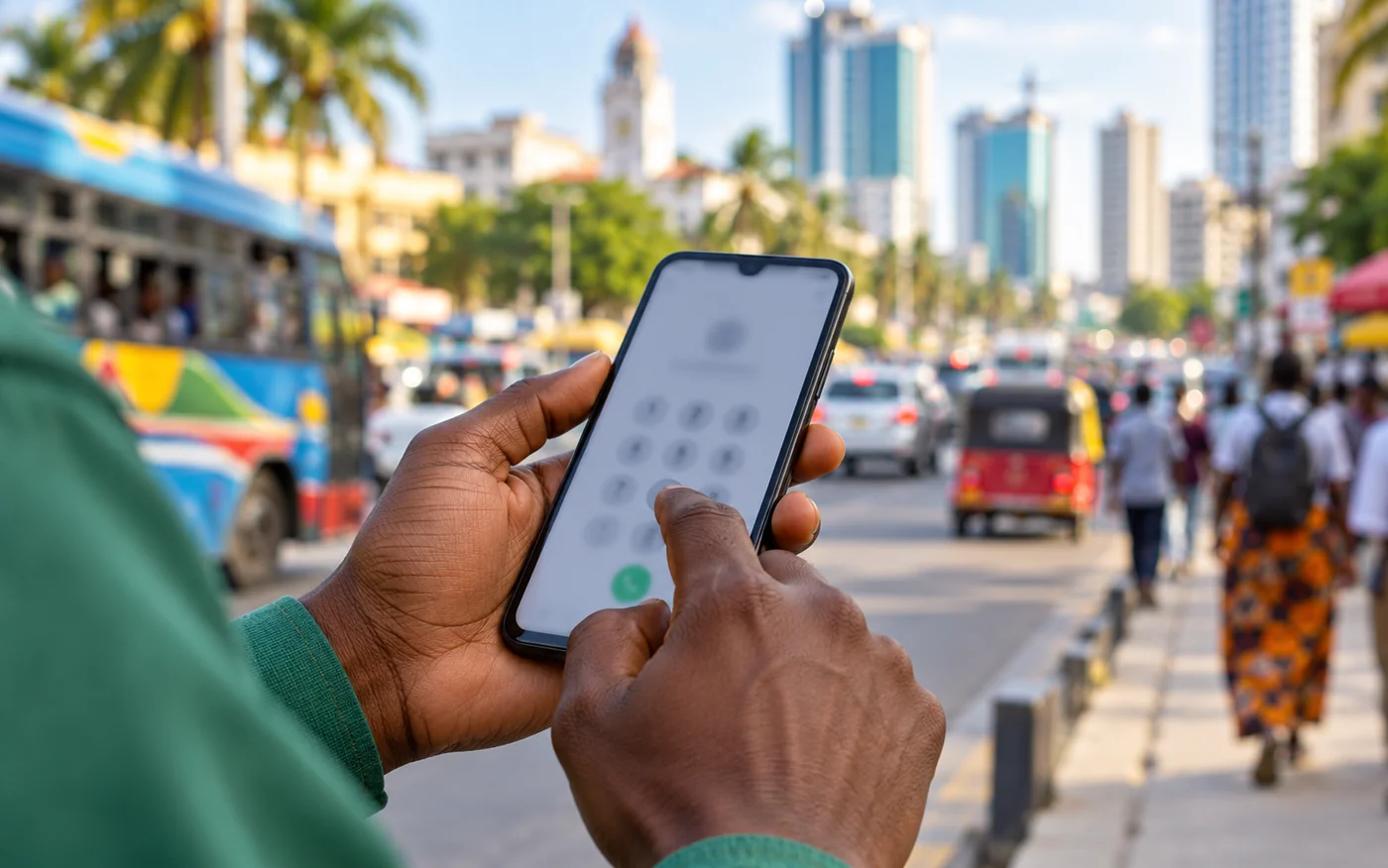
Format Tanzania mobile numbers consistently and see how character encoding and message length determine SMS parts.

Check message logs for provider acceptance and later delivery updates. Delivery reports arrive asynchronously, so a successful API response is not handset confirmation.

Credits are counted by SMS part. Review deductions and top-ups in the account ledger, with idempotent handling for supported retry flows.

Top up using the payment methods currently available in your account. Destination rates and credit options can change; check the live rate card before sending.

Request an alphanumeric Sender ID, provide the required details, and check its review status in your account.

Connect Google Contacts to import eligible numbers into a SendAfrica contact list when you choose to sync.
A successful SMS request means the provider accepted it. Delivery updates arrive separately and are recorded in your message activity.
Screens below use illustrative product data.

Developer tools
Explore the POST /v1/messages request and inspect its response shape.
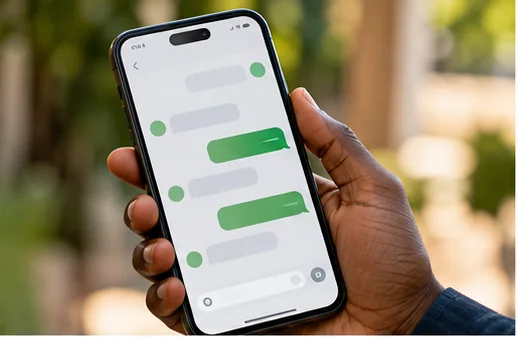
Message visibility
Review message status as asynchronous delivery reports arrive.

Campaign management
Review audience progress as campaign results arrive.

Event callbacks
Verify webhook signatures before processing delivery events.
SMS length and character encoding affect how many parts a message uses. Review current rates and billing guidance before planning a large campaign.

Create an account to manage campaigns, credits, API access, and delivery records. Check the live destination rates before you send.